Software
Configure a radio and monitor signals with H102 IIO GUI, or use LogicX to manage acquisition, record and analyze multichannel IQ.
H102 IIO GUI
Radio control and signal monitoring
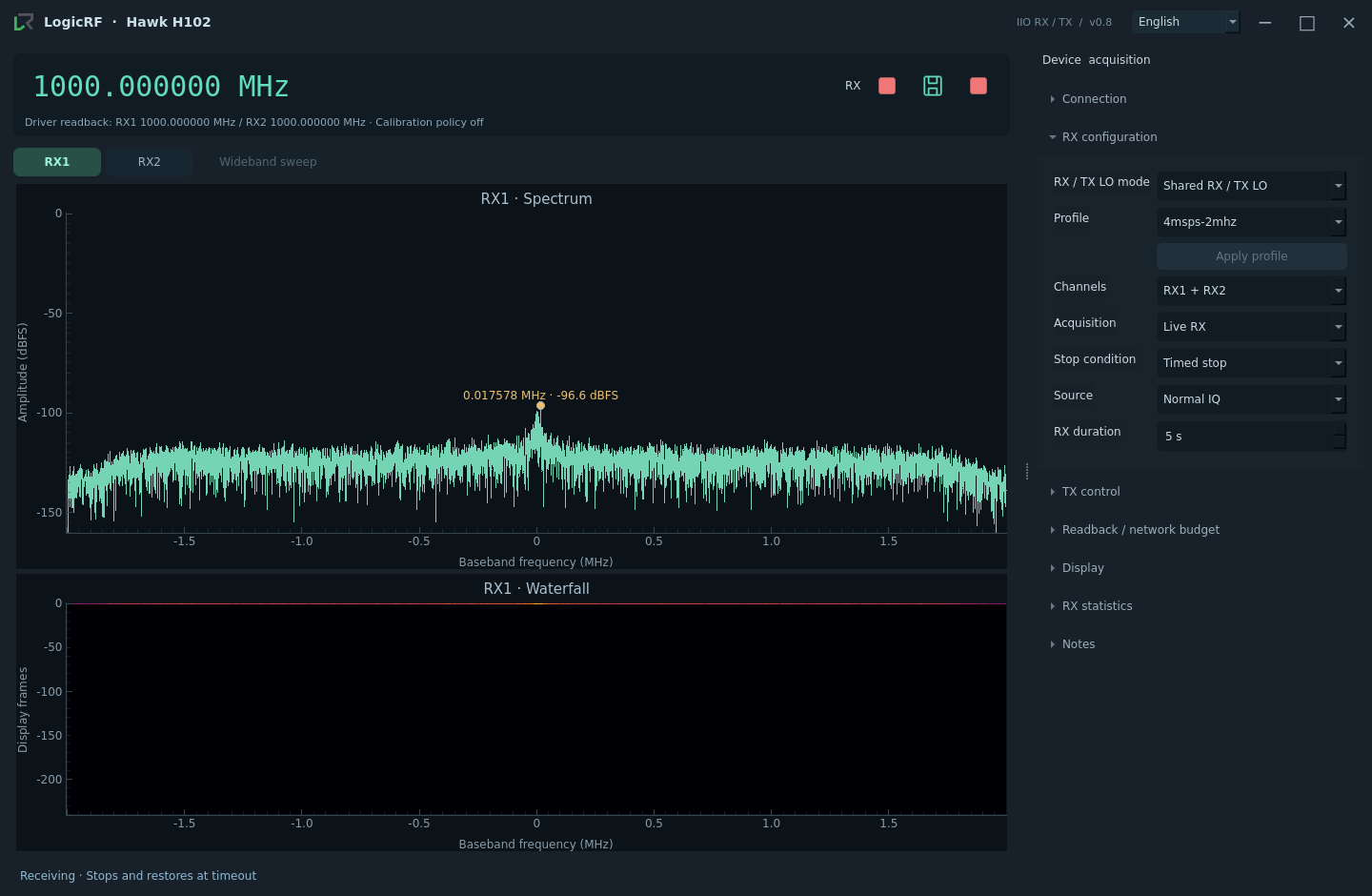
Select a receive channel, tune the radio and choose a sampling profile. Watch the signal change in the spectrum and waterfall views, then record a segment of IQ data.
Explore softwareLogicX
Desktop software for signal acquisition, recording and analysis
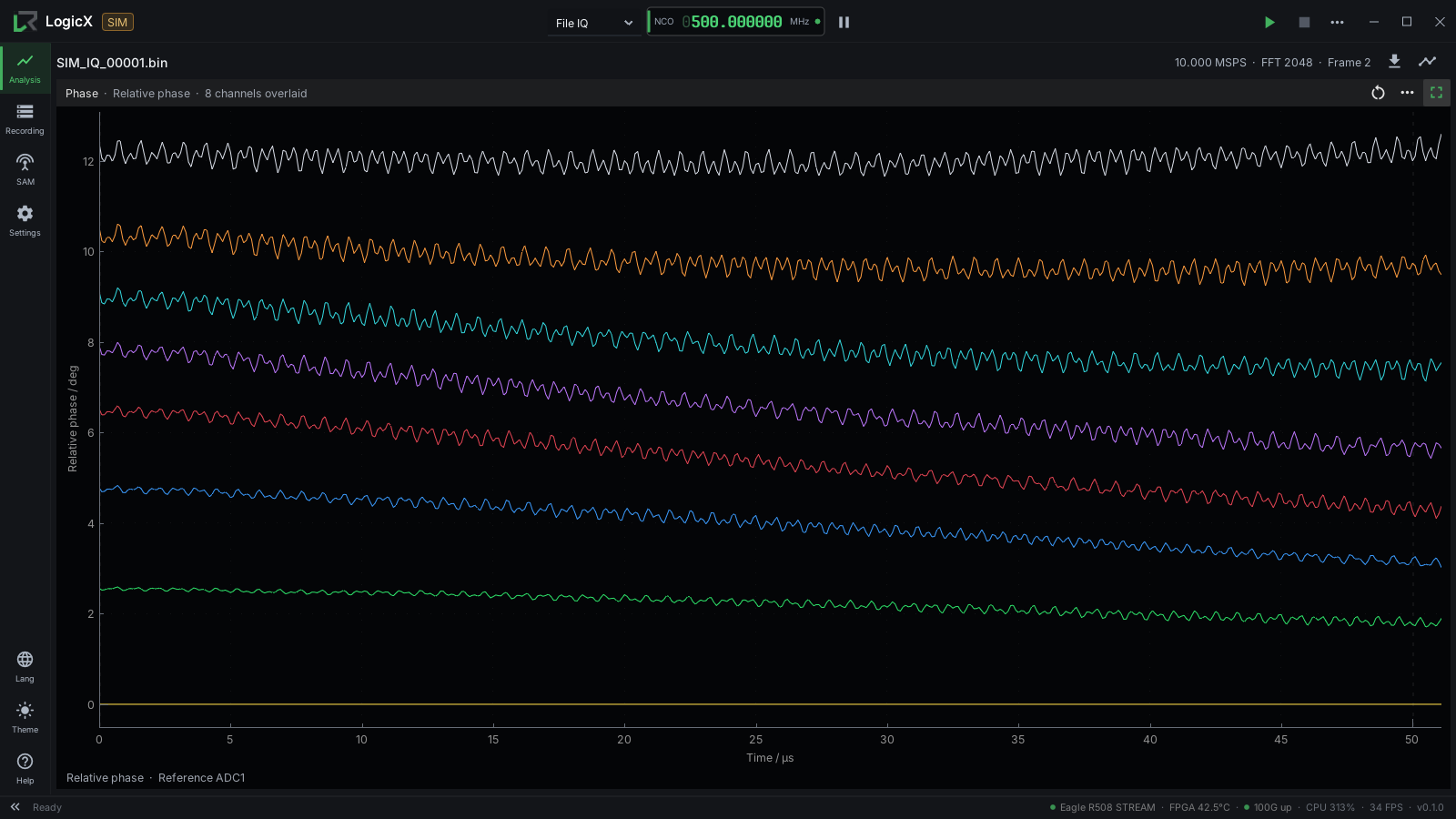
Connect to the matching DAQ Server from the receiving host desktop, configure acquisition and monitor recording progress. Inspect live or recorded IQ in a dockable workspace and compare spectra, I/Q waveforms and phase across channels.
Explore software