Signal recording
Multichannel IQ Acquisition and Recording
From channel selection to the spectrum of a saved file.
Capture IQ from multiple Eagle R508 channels and record it on the host. Keep the channel map, sample rate and data format with the samples for offline analysis.
Discuss your applicationMake a recording with R508 and LogicX
This example uses an Eagle R508 supplied with STREAM, a receiving server, the matching DAQ Server and LogicX. Check that the acquisition application is ready and the recording directory is writable.
- In LogicX, select the 8 MHz profile, ADC1–8 and a single V1 flow. Set the tuning frequency for the input signal.
- In the Recording view, choose a directory, filename prefix and a fixed count of one file. Start recording and watch the saved byte count until the task finishes.
- In Recorded files, check the task information and valid file length. Open the finished IQ file to view its spectrum or time-domain waveform.
Related recording workflows
R508 · Configure and record IQ
Select the supplied acquisition application, set the channels and bandwidth, then save an IQ recording and check reception on the host.
Open the first-capture guideS508 · Retrieve a recording
Choose the channels, format and output rate. After recording, read the data using the sample rate, channel mapping and valid length in the task manifest.
Read the recording and file guideH102 · Replay recorded IQ offline
Open an H102 recording and its index in GNU Radio. Replay the samples at their original rate and inspect the spectrum on the host.
Open the offline replay exampleRELEVANT PLATFORMS
Explore related products
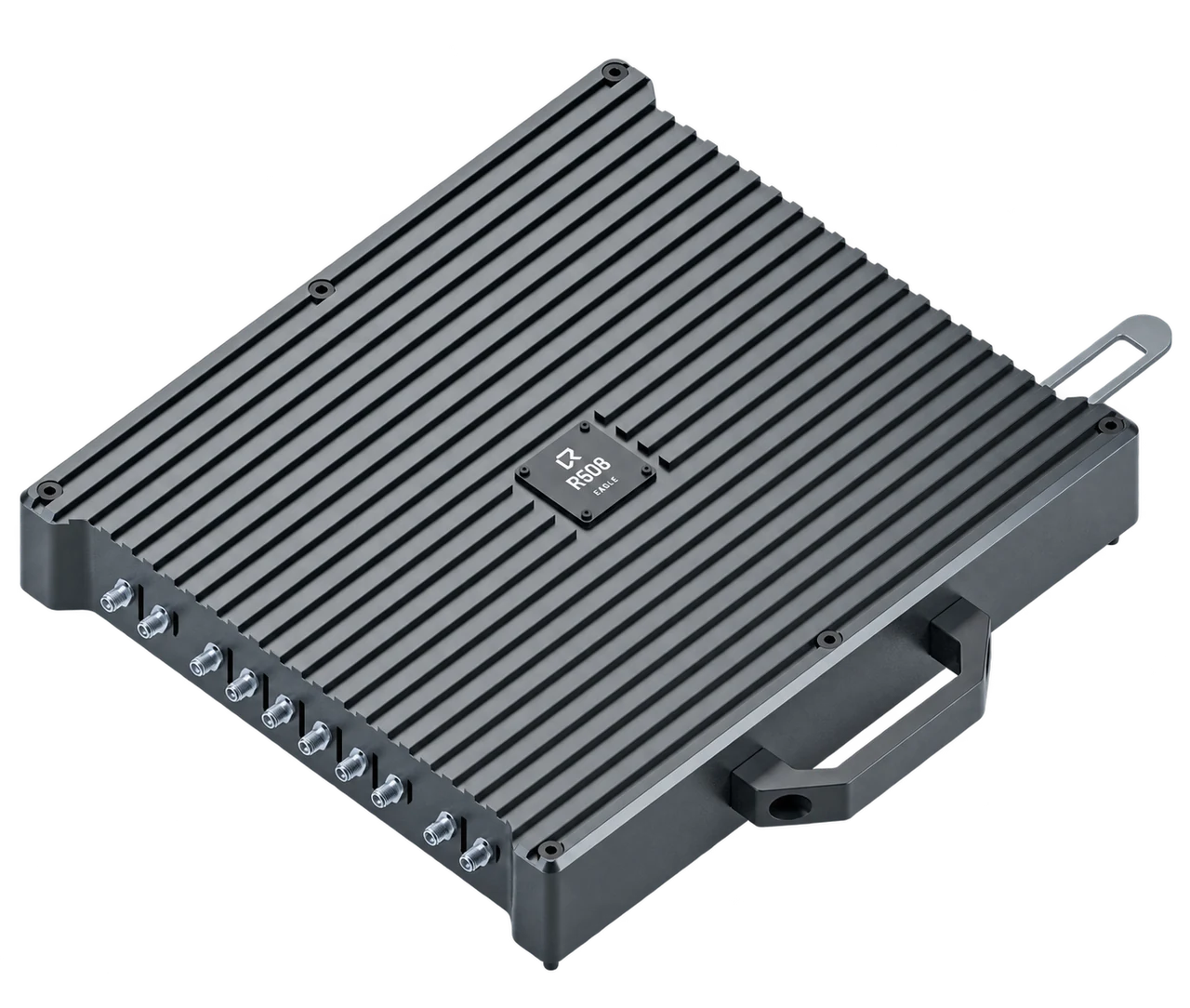
Eagle R508
Multichannel RF Acquisition SDR Platform
Configure the radio, control acquisition from a host computer, and receive and record IQ data for signal analysis or your own multichannel RF application.
View product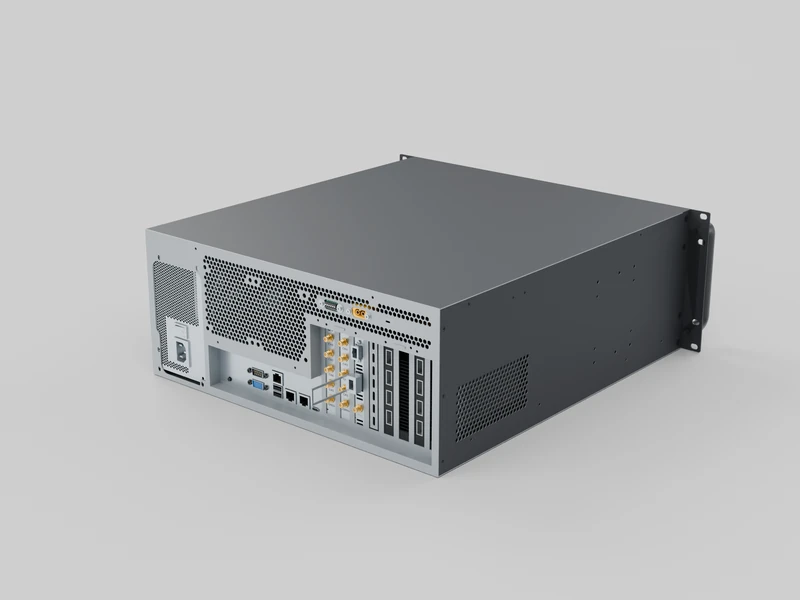 New product
Raven S508
Multichannel High-Speed Signal Acquisition and Storage System
Eight RF acquisition channels, a host computer and local recording storage share one enclosure for IQ recording, offline analysis and system integration. Two optional GPUs can accelerate signal processing.
View product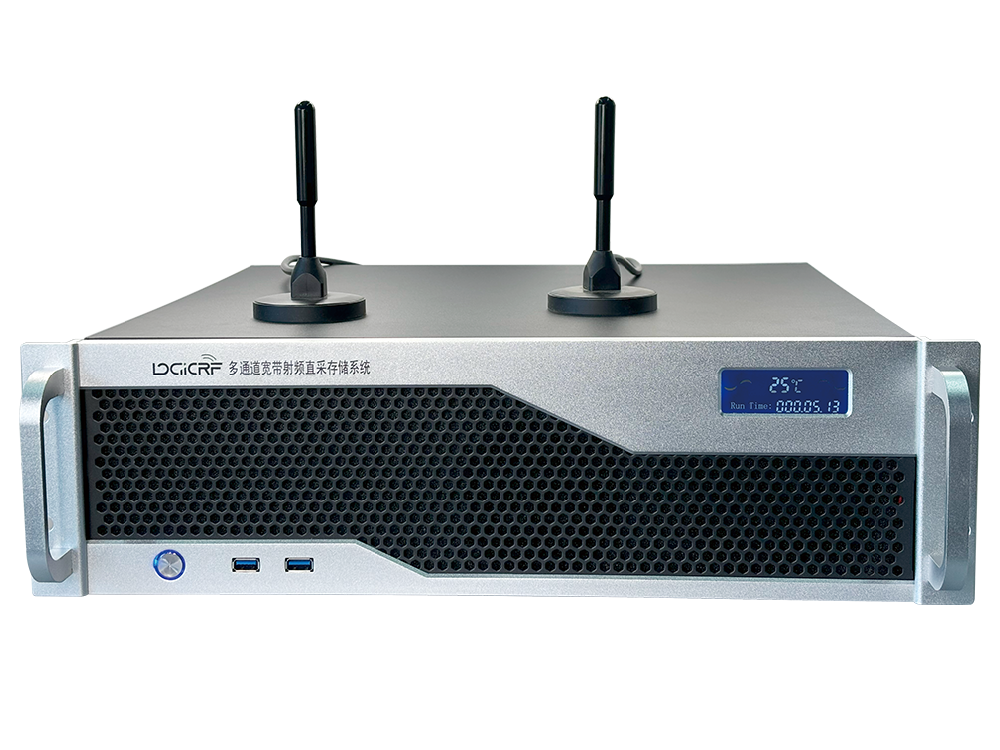
S407
Not recommended for new designsWideband RF Transceiver and Recording System
An integrated eight-receiver, four-transmitter configuration with local storage for wideband recording and multichannel signal processing experiments.
View product