Wireless R&D
Wireless Experiments and Algorithm Validation
Capture IQ and test algorithms in a flowgraph.
Configure the radio, inspect the signal and save samples. Build a GNU Radio flowgraph to evaluate a processing method with live or recorded data.
Discuss your applicationHow to get started
H102 · Use the IIO GUI
Connect the device and choose a channel, center frequency and sampling profile. Inspect the spectrum and save an initial IQ capture.
Open the H102 quick startH102 IIO GUIH102 · Develop in GNU Radio
Alternatively, open a supplied flowgraph in GNU Radio Companion, set the device address and RF parameters, and connect your own processing blocks.
Read the GNU Radio guideR508 · Process data in a host application
Use the matching SDK to read saved data, then integrate live reception and decoding for the selected application.
Read the Device SDK guideRELEVANT PLATFORMS
Explore related products
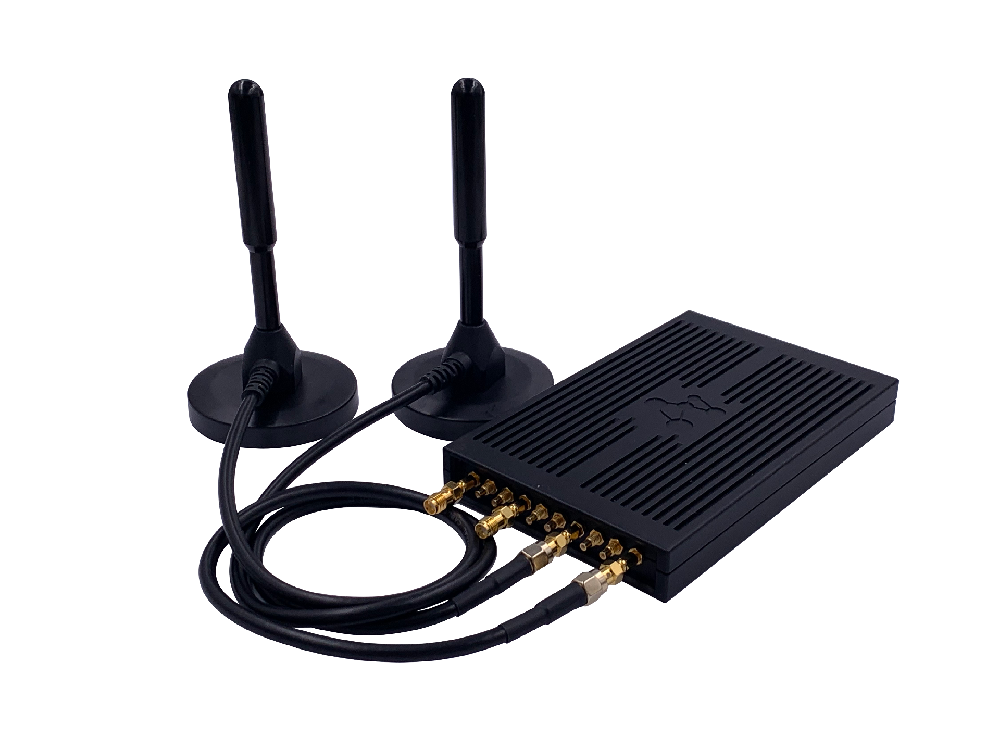
Hawk H102
ADRV9002 Dual-Channel SDR Platform
A compact 2 RX / 2 TX SDR based on the ADRV9002 and Zynq-7030 for wireless experiments and algorithm development. Configure the radio and capture IQ with the IIO GUI, or build a flowgraph in GNU Radio.
View product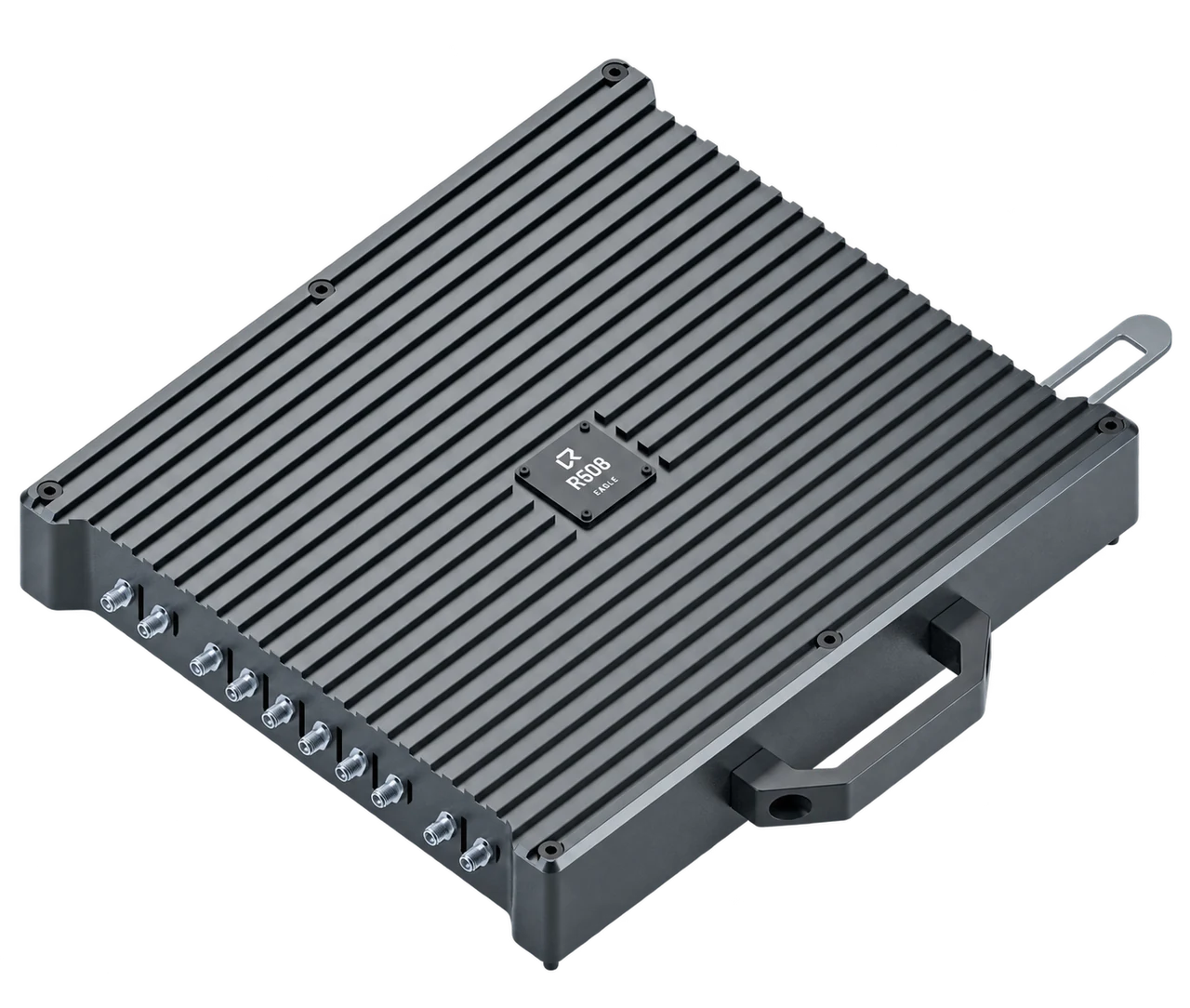
Eagle R508
Multichannel RF Acquisition SDR Platform
Configure the radio, control acquisition from a host computer, and receive and record IQ data for signal analysis or your own multichannel RF application.
View product