Radio control and signal monitoring
H102 IIO GUI
Select a receive channel, tune the radio and choose a sampling profile. Watch the signal change in the spectrum and waterfall views, then record a segment of IQ data.
Read the user guide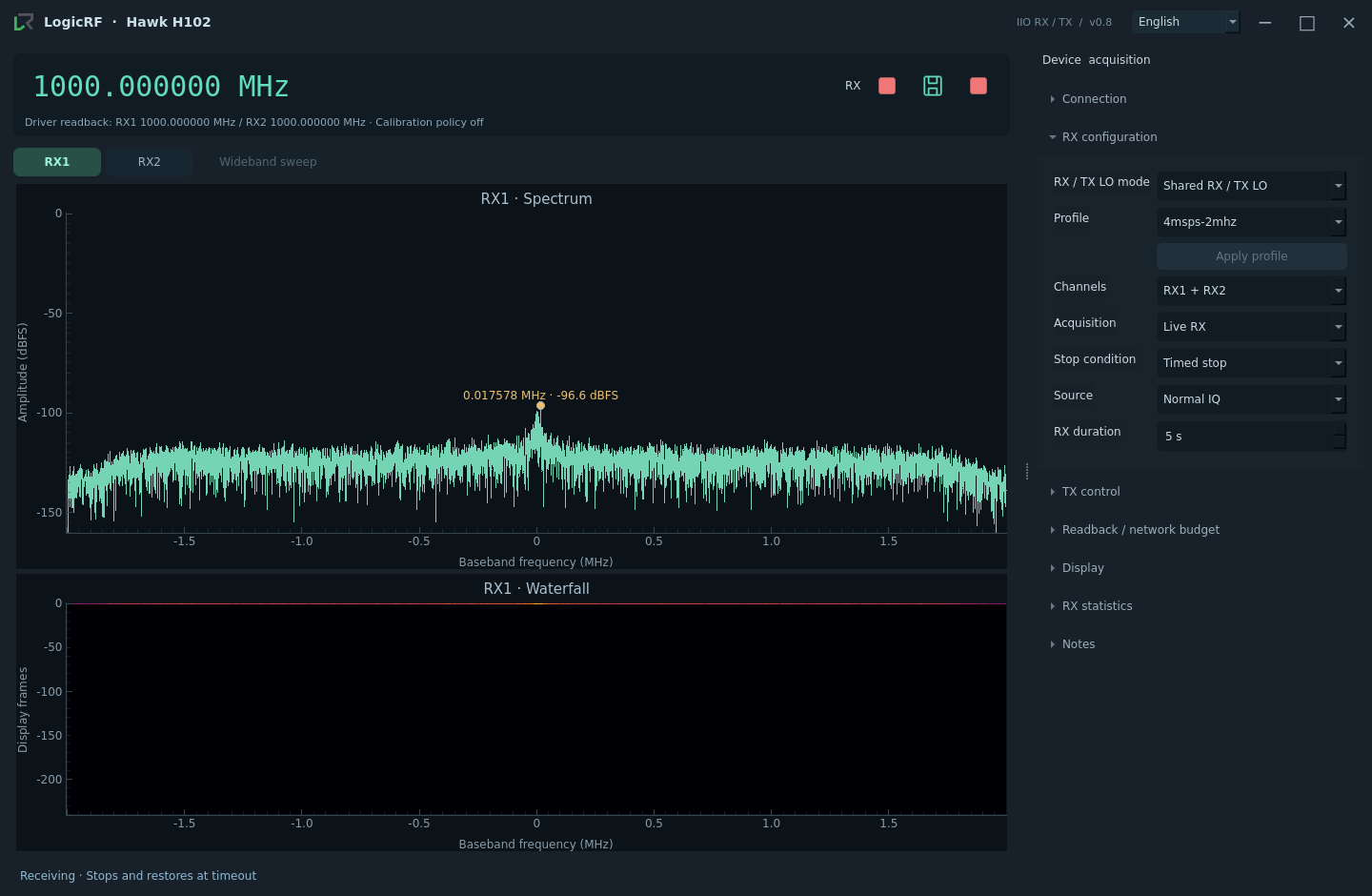
Record your first IQ samples
Connect to the radio
Enter the H102 IP address and connect. Read the active configuration and receiver status.
Tune and observe
Choose a receiver and sampling profile, set the center frequency and start reception. Use the spectrum and waterfall together to inspect the signal.
Record and save
Start an IQ recording. When it finishes, check the file and its sampling settings before analyzing it offline.
Supported device and environment
Hawk H102An Ubuntu 22.04 x86_64 desktop with a network connection to the Hawk H102.
View setup and connection instructions