Desktop software for signal acquisition, recording and analysis
LogicX
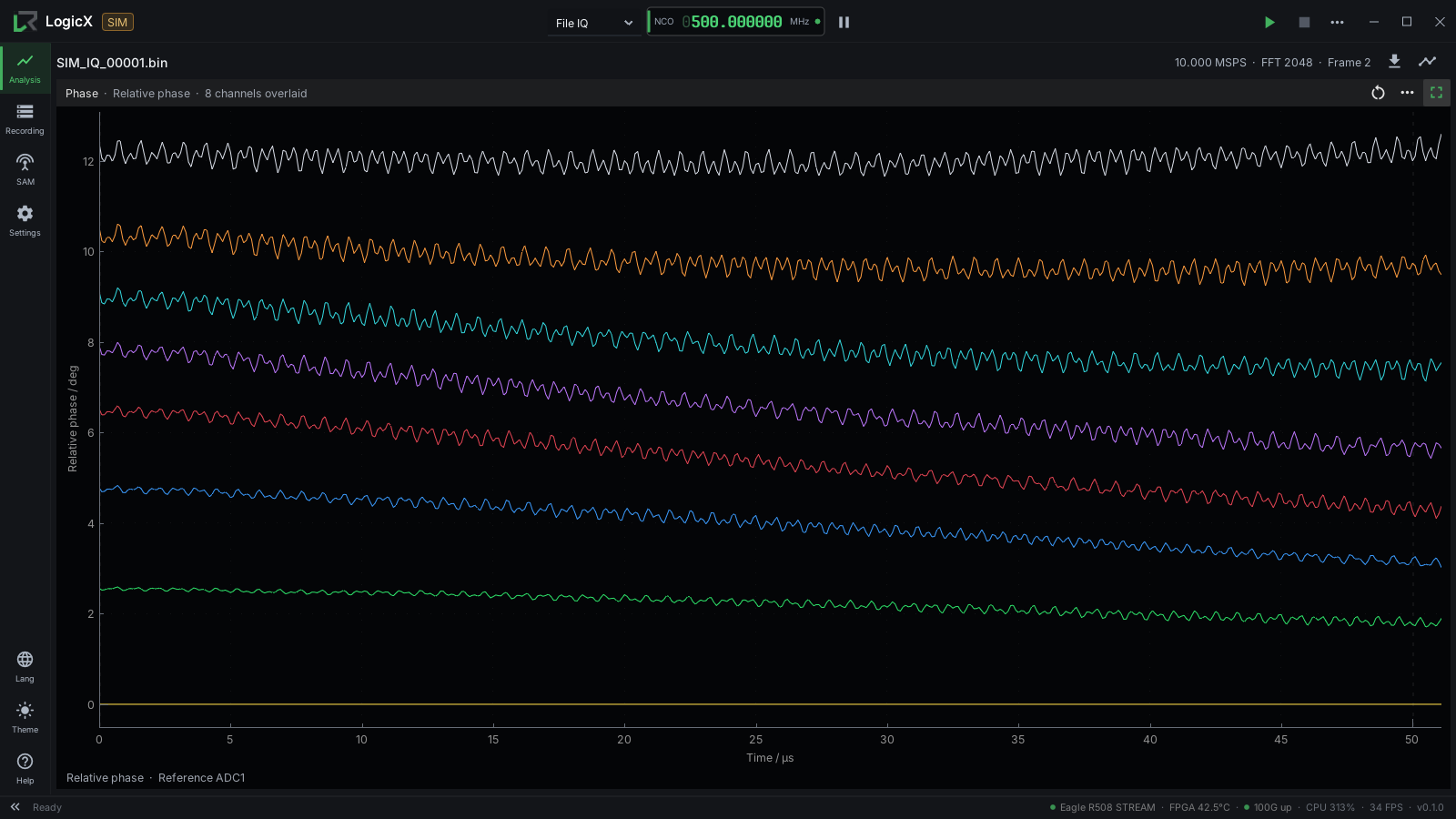
Connect to the matching DAQ Server from the receiving host desktop, configure acquisition and monitor recording progress. Inspect live or recorded IQ in a dockable workspace and compare spectra, I/Q waveforms and phase across channels.
STREAM capture and recording guide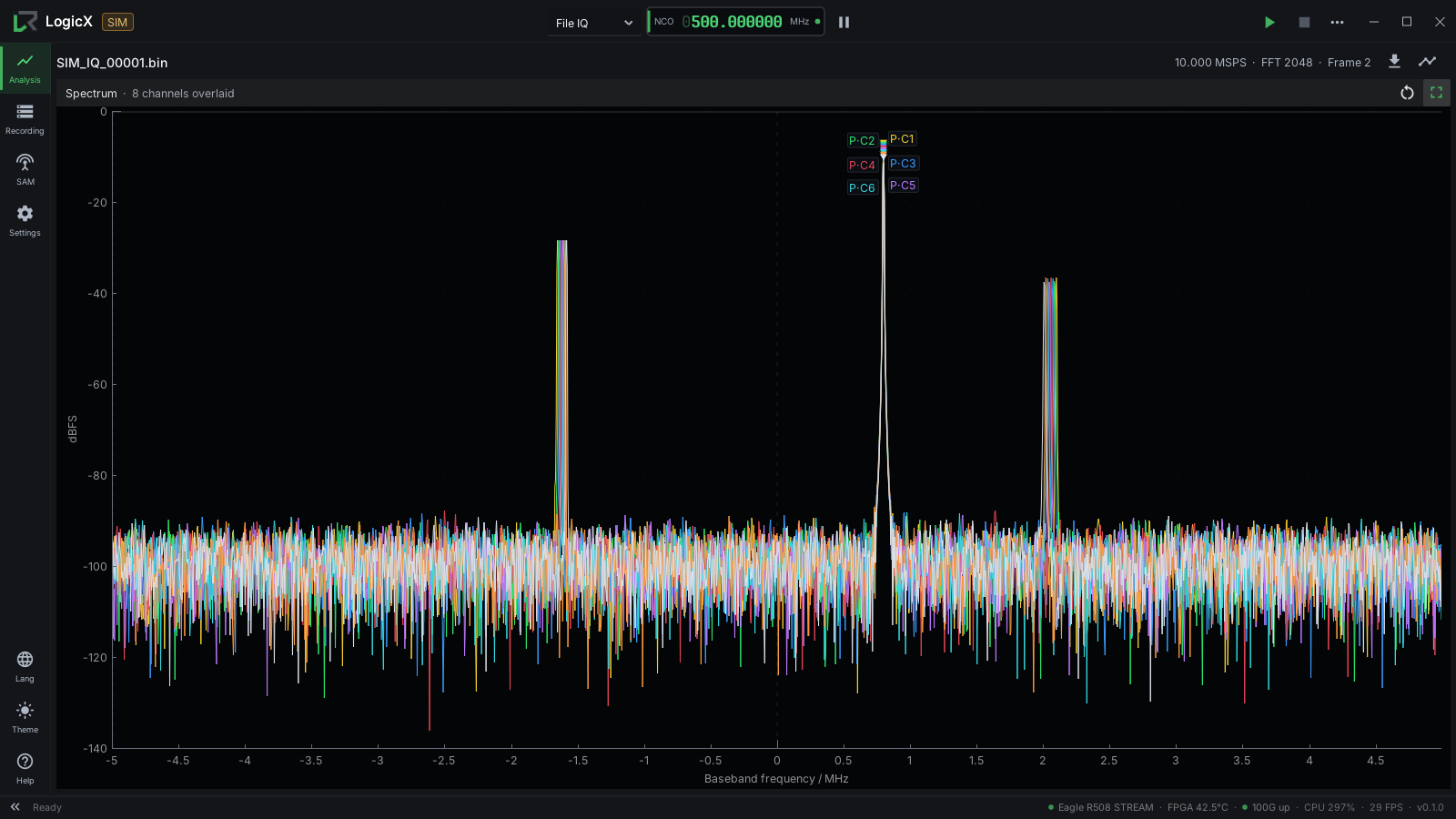
From acquisition to multichannel file analysis
Connect and configure acquisition
Connect to the matching DAQ Server in Settings. Confirm the device and acquisition application are ready, then select an available channel group and bandwidth.
Record and check the files
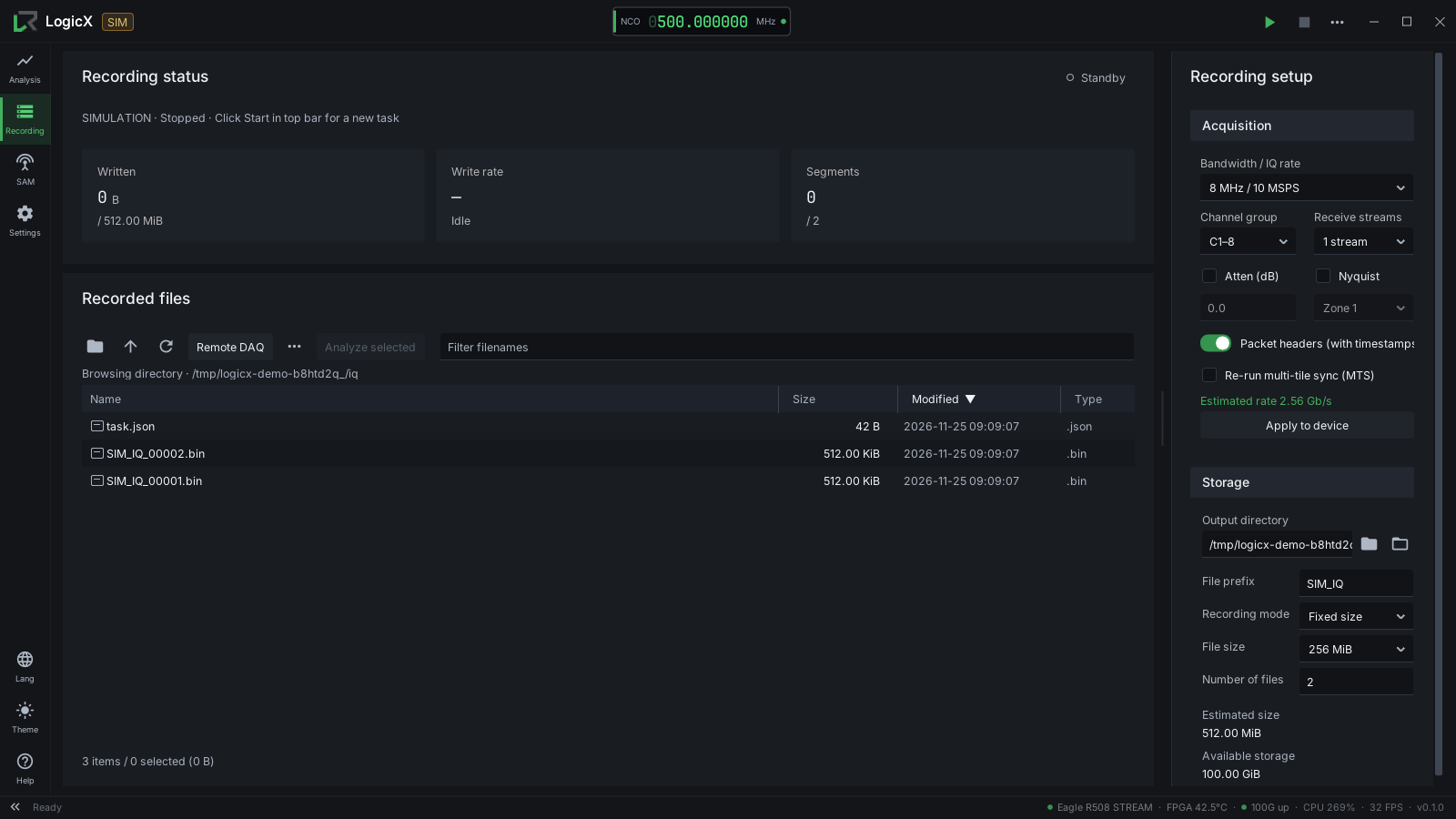
Set the directory and file options in Recording. Follow the write progress and check the files and valid data length once the task completes.
Compare channels
Double-click a completed IQ file in Recorded files to open the spectrum. Switch to the time or phase view and arrange the panels and channel display as needed.
Supported device and environment
Eagle R508With an Eagle R508 STREAM setup, LogicX runs on the receiving host’s Linux desktop. Available channel groups, bandwidths and analysis features depend on the supplied acquisition application and DAQ Server versions.
View setup and connection instructions